 | Welcome to Pocket PE! In this final segment of our three-part tutorial, we’ll walk through how to lead a Lesson in the Pocket PE app. |
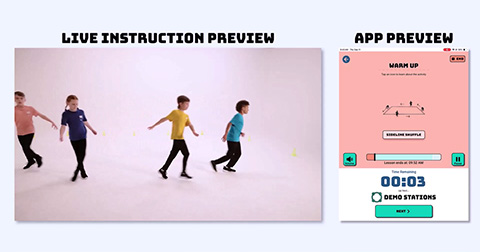 | Pocket PE’s Live Facilitation Mode empowers educators to guide structured PE lessons with built-in timing, transition audio cues, and energizing music. |
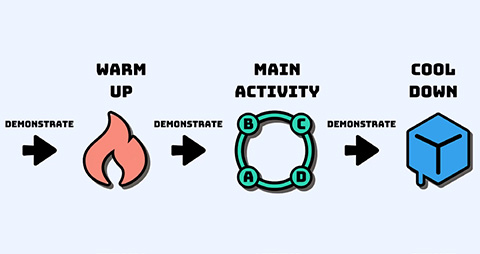 | Each lesson includes six segments you’ll facilitate:
|
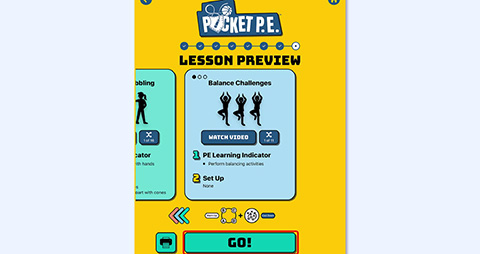 | After previewing the built lesson, tap Go on the cooldown card to enter Live Facilitation Mode. |
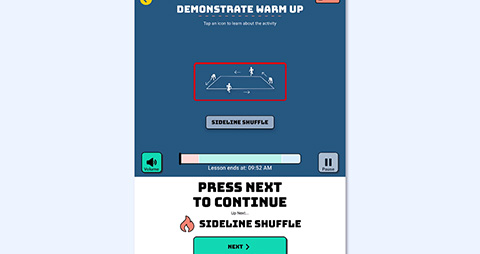 | When you hear the ding and the music stops, that’s your cue to demonstrate. Give instructions and model the activity. While videos don’t play in Live Facilitation Mode, tap the activity icon to view written steps and images. |
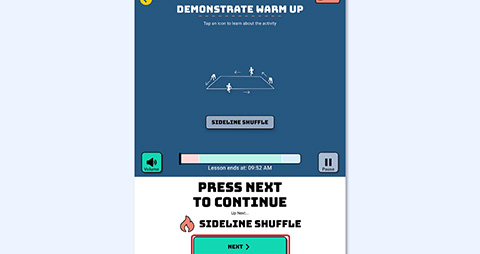 | You can demonstrate for as long as needed — the app automatically recalculates segment timing so the lesson ends on schedule. When you’re ready for students to perform the activity, tap Next. |
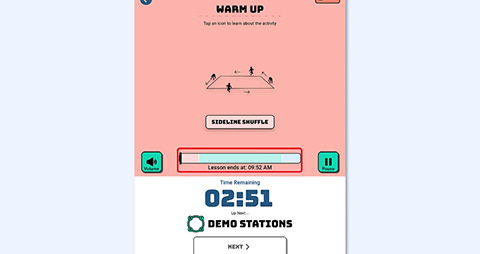 | The progress bar shows your place in the lesson. |
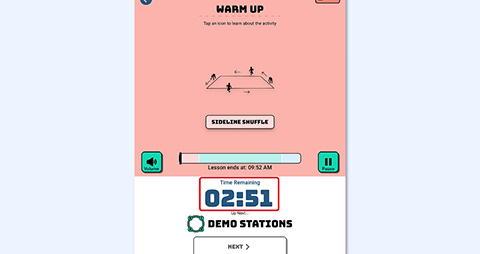 | The countdown timer displays time remaining in the current segment. |
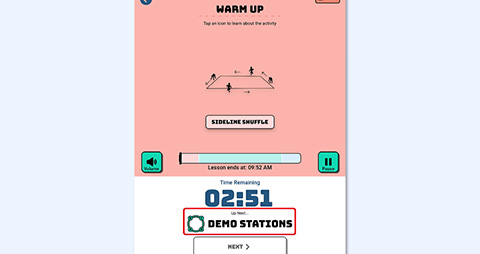 | Tap the Up Next icon to preview upcoming activities while students warm up. |
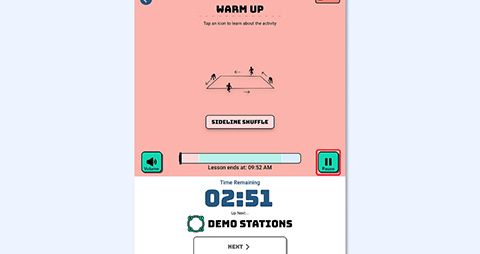 | Tap Pause to pause the lesson at any time. |
 | Before you go live, here are a few helpful tips for leading your lesson: |
 | Videos don’t play in Live Facilitation Mode, so preview any activity videos before starting the live lesson. |
 | To see a demonstration, tap the Watch Video When you hear the ding and music pauses, that’s your cue to demonstrate the next activity in the lesson. |
 | When you’re ready for students to perform, tap Next to resume music and begin the countdown. |
 | And that’s it! You’ve successfully walked through how to lead a lesson using Pocket PE. Thanks for watching, and happy teaching! |
Was this article helpful?
That’s Great!
Thank you for your feedback
Sorry! We couldn't be helpful
Thank you for your feedback
Feedback sent
We appreciate your effort and will try to fix the article